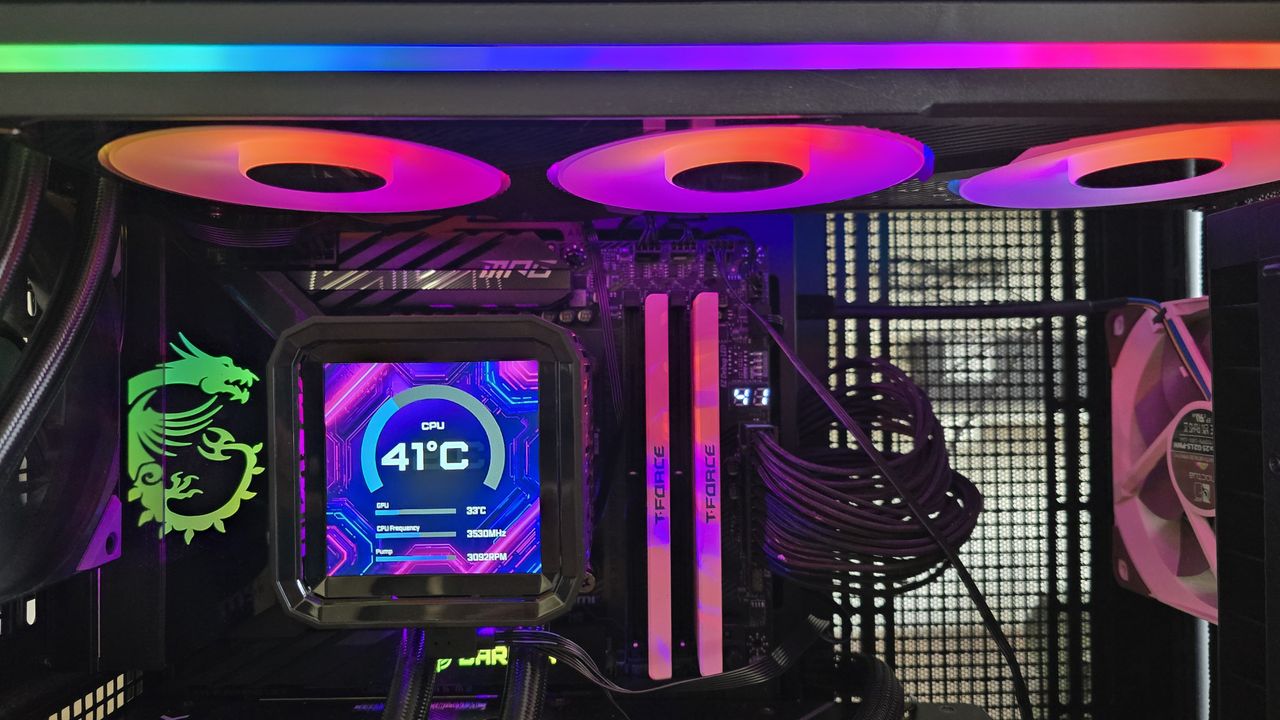
ASRock is well known among PC enthusiasts for its graphics cards, motherboards, power supplies, and gaming monitors. Now, it has entered the market for liquid cooling solutions. We’re looking at two of the company’s first AIOs here, the Phantom Gaming 360 LCD and Steel Legend 360 LCD. Both of these liquid coolers feature 3.4-inch 480 x 480 displays for showing off animations and monitoring performance metrics. Aside from aesthetics, the main differences between the two are the included fans and radiator size. The Steel Legend 360 incorporates a standard 27 mm thick radiator, whereas the Phantom Gaming 360 uses a thicker-than-normal 32 mm radiator. (Image credit: Tom's Hardware) Let's take a look at the specifications and features of the coolers, then we’ll go over thermal and noise benchmarks and decide whether ASRock’s Phantom Gaming and Steel Legend AIOs deserve to make our list of the best CPU coolers . Cooler specifications Cooler ASRock Phantom Gaming 360 LCD/Steel Legend 360 LCD Colors Black White MSRP $189.99 $159.99 Lighting CPU block, radiator, and fans CPU block Warranty 6 years 2 years Socket Compatibility AMD AM5/AM4 Intel 1700/1851 Radiator dimensions 397mm (L) x 120mm (W) x 32mm (H) 397mm (L) x 120mm (W) x 27mm (H) Maximum TDP (Our Testing) >260W with AMD’s Ryzen 9 9950X3D >260W with AMD’s Ryzen 9 9950X3D Features of ASRock Phantom Gaming & Steel Legend 360 LCD ▶️ 60hz 3.4-inch LCD display (Image credit: Tom's Hardware) Both the Phantom Gaming 360 LCD and the Steel Legend 360 LCD include a 3.4-inch square IPS screen with a 480 x 480 resolution and 60 Hz refresh rate, with brightness rated at 250 nits. (Image credit: Tom's Hardware) To control and customize the screen, you’ll need to download ASRock’s Polychrome Display software. You have the option of selecting six preset themes, or you can build your own theme, and/or customize the individual elements shown on the display. (Image credit: Tom's Hardware) While I certainly wish there were more presets a
تقنية
ASRock Phantom Gaming and Steel Legend 360 LCD review: An impressive cooling debut